

Coding & Technology
DevOps
Understand modern DevOps practices, automation and CI/CD through real-world guided projects.
About WinQuest
When we started WinQuest Online, we wanted to offer beginner classes of all kinds. Coding as a skill improves problem solving and creativity in kids, also opening them up to the ever-expanding field of computer science.
However, we soon realized coding is a skill very few learn properly. They didn't know where to go for help, and so they would just give up before they ever got started! We saw this as a problem — one that needed solving.
That's why we created WinQuest Online: to help Parents / Students like you find the information you need and get started on your coding journey!
Why Choose Online DevOps Classes?
Overview
DevOps is the practice of combining software Development (Dev) with IT Operations (Ops) to shorten the development life cycle and deliver high-quality software continuously. WinQuest delivers it live online 1:1 or in small groups across three progressive levels - Beginner (Linux, Git, CI/CD fundamentals), Intermediate (Docker, Kubernetes, Jenkins, Ansible) and Advanced (Terraform, Cloud deployments on AWS / Azure / GCP, full DevOps engineering). Each level maps to industry-recognised certifications.
What You'll Learn
- Free coding workshops within the comfort of your home
- Designed for kids aged 7-18 years
- Project-based learning — build a real portfolio
- Live mentor support · concept + hands-on
- Flexible scheduling · first demo free
- Certificate of completion / participation
Beginner - Linux, Git, CI/CD Fundamentals
Module 1: DevOps Concepts+
- What is DevOps - the C.A.L.M.S. framework (Culture, Automation, Lean, Measurement, Sharing).
- The DevOps lifecycle - Plan, Code, Build, Test, Release, Deploy, Operate, Monitor.
- Comparison with Agile and traditional waterfall.
Module 2: Linux Fundamentals+
- Linux command line - ls, cd, pwd, mkdir, cp, mv, rm, grep, find, awk, sed.
- File permissions - chmod, chown, sudo.
- Processes - ps, top, htop, kill, systemd, journalctl.
- Bash scripting basics - variables, conditionals, loops, functions.
Module 3: Git & Version Control+
- Git installation, configuration, basic commands - git init, add, commit, push, pull.
- Branching, merging, rebasing, resolving merge conflicts.
- GitHub workflow - forking, pull requests, code review, issues.
Module 4: CI/CD Introduction+
- What is Continuous Integration / Continuous Deployment.
- GitHub Actions - your first workflow YAML file.
- Jenkins introduction - jobs, pipelines, plugins.
Module 5: First End-to-End Project+
- Build a simple Python / Node.js app.
- Push to GitHub; configure GitHub Actions to run tests on push.
- Deploy to a free hosting platform (Vercel, Netlify, Render).
Intermediate - Docker, Kubernetes, Jenkins, Ansible
Module 1: Docker Containerisation+
- What is a container; difference from VM.
- Docker installation, basic commands - run, ps, exec, logs, stop, rm.
- Dockerfile - building custom images; multi-stage builds.
- Docker Compose - multi-container applications.
Module 2: Kubernetes Orchestration+
- Kubernetes architecture - master node, worker nodes, pods, deployments.
- Local cluster with minikube or kind; basic kubectl commands.
- Services, Ingress, ConfigMaps, Secrets.
- Deployments, StatefulSets, DaemonSets - when to use each.
Module 3: Jenkins Advanced+
- Jenkins Pipeline as Code (Jenkinsfile) - declarative and scripted.
- Multi-branch pipelines, parameterised builds, shared libraries.
- Plugins ecosystem - SonarQube, Slack, JIRA integration.
Module 4: Configuration Management+
- Ansible - inventory, playbooks, roles, modules.
- Idempotent automation - running playbooks safely.
- Comparison with Chef and Puppet.
Module 5: Monitoring & Logging+
- Prometheus + Grafana for metrics.
- ELK Stack (Elasticsearch, Logstash, Kibana) for logs.
- Setting up alerts and dashboards.
Advanced - Terraform, Cloud, Full DevOps
Module 1: Infrastructure as Code (Terraform)+
- Terraform basics - providers, resources, variables, outputs.
- Terraform state, workspaces, remote backends.
- Modules - writing reusable infrastructure components.
Module 2: AWS DevOps+
- AWS CodeCommit, CodeBuild, CodeDeploy, CodePipeline.
- AWS ECS / EKS for container orchestration.
- AWS CloudFormation as an alternative to Terraform.
Module 3: Azure / GCP DevOps+
- Azure DevOps - Boards, Repos, Pipelines, Test Plans, Artifacts.
- Google Cloud Build, Cloud Deploy, GKE.
- Multi-cloud strategy considerations.
Module 4: GitOps & Security+
- GitOps with ArgoCD or FluxCD.
- Secrets management - HashiCorp Vault, AWS Secrets Manager, Sealed Secrets.
- DevSecOps - integrating security into the CI/CD pipeline.
Module 5: Capstone & Certification+
- Build a full DevOps pipeline for a microservices app deployed on K8s.
- AWS Certified DevOps Engineer Professional (DOP-C02) preparation.
- Or Azure DevOps Engineer Expert (AZ-400) preparation.
Requirements
- A laptop or desktop with at least 8 GB RAM (16 GB preferred for K8s labs)
- Visual Studio Code
- GitHub account
- AWS / Azure / GCP free-tier account (we help create)
Reviews
4.85 / 5 ★ · 320+ students enrolled
Parents consistently rate our mentors for personalised attention, clear concepts and steady progress. Book a free demo to experience a class first-hand.
Frequently Asked Questions
How do I get started?+
To get started simply book a demo, to book a free live demo session with the instructor, please click on the "Book a Demo" button and provide details to schedule the class. For details, please contact Seema at (+91) 74391 54909 or seema@winquestonline.com
How does payment work?+
We require monthly advance payments for the number of classes scheduled in a calendar month. We use PayPal, or other payment apps for the collection of fees. You will be asked to select your choice of payment method during the initial setup of the class.
What if I miss a class?+
For batch classes, we would be able to share a timed recording upon parent's request. For one to one sessions, the class would be rescheduled. We request the parents to inform prior in advance in such cases.
Do I need to sign any contract?+
All our engagements are based on the terms and conditions and other requirements mentioned in the website. We provide complete flexibility to our students to exit the course anytime if they do not find the classes beneficial to them.
How do I take an update on my child's progress?+
For progress tracking we will be providing assessments and homework lessons which will give parents a clear picture of a child's progress. We encourage all Parents to discuss and share their views/feedback on a regular basis to the Teacher or our Institute representative for updates and for us to keep improving and meeting your expectations.
If my kid does not enjoy classes, will WinQuest refund the fees?+
We provide complete flexibility to our students to exit the course anytime if they do not find the classes beneficial to them. We will refund fees for those future classes which are not taken by the Student.
Why should I take classes from WinQuest, are they the best?+
WinQuest provides one to one interactive sessions with highly qualified teachers and best-in-class learning experience for your kids within your home environment. We endeavor to provide quality education at a reasonable cost, so that Kids can get individual attention and therefore are able to compete better.
Is previous experience required?+
No, the course is designed to accommodate complete beginners.
Will I get a certificate after the course completion?+
Yes, We provide certificates after completion of the course. We also encourage students to participate in various competitions which are Internationally recognized.
Where are the teachers from?+
Most of our teachers are from India with Masters in their subject or relevant experience teaching International Curriculum.
How does the scheduling work with different time zones?+
We are providing classes in the USA, Canada, UK, Europe, Australia, Dubai, Singapore etc. We schedule sessions accordingly to the time comfortable to kids in their respective time zones.
How are the classes conducted?+
Classes are conducted online via Google Meet or Zoom on the scheduled time, whether the classes be 1:1 or in a group.
What are the requirements for this course?+
A device (laptop/desktop) and a stable internet connection. Specific tools/accounts (e.g., a free Scratch / MIT App Inventor account, a Python interpreter and an IDE) are listed under the Requirements tab for each course.
What if my child is below minimum age?+
We'll recommend you to check out our other courses for your kid's age group.
Is the schedule flexible?+
Yes, the time slot of the classes will be scheduled to accommodate your child.
Will my kid learn at his/her own pace?+
Yes, the pace of the classes will be adjusted according to the child.
Can an adult join the course?+
Yes, an adult can join our course but, they have to go for 1:1 sessions.
What to do when my kid runs into a technical issue?+
Our teachers and operations team will provide technical support in case of an issue.
Student Reviews
No reviews yet — be the first to share your experience with this course!
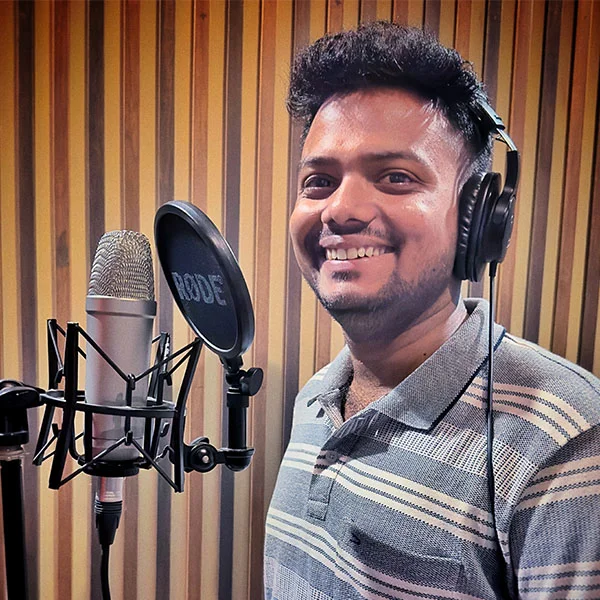
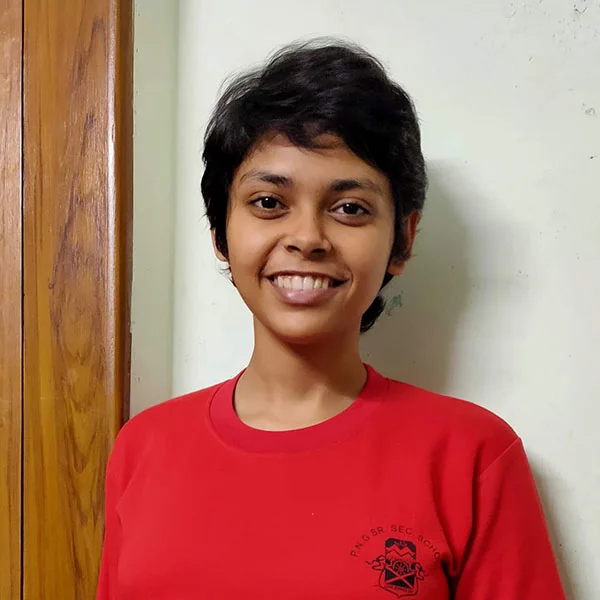
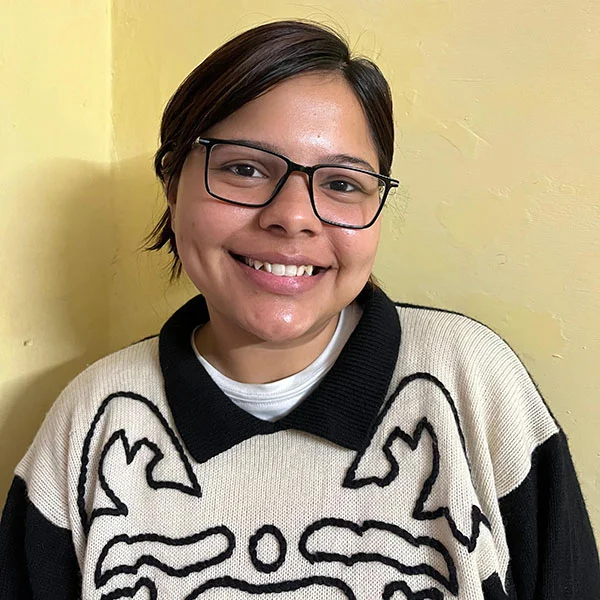
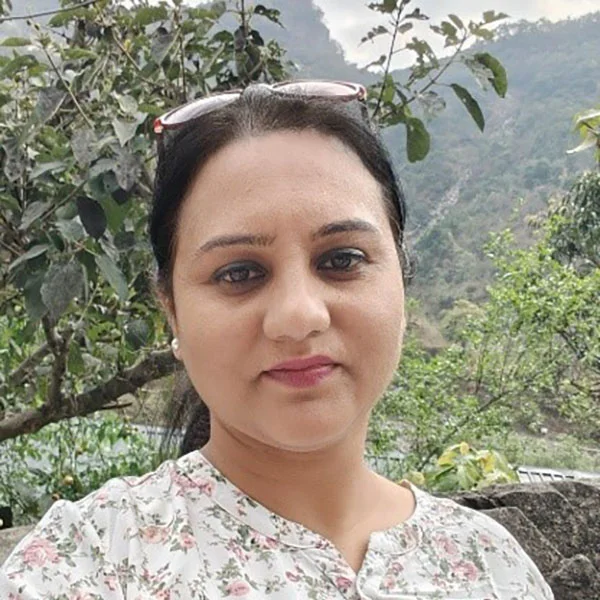
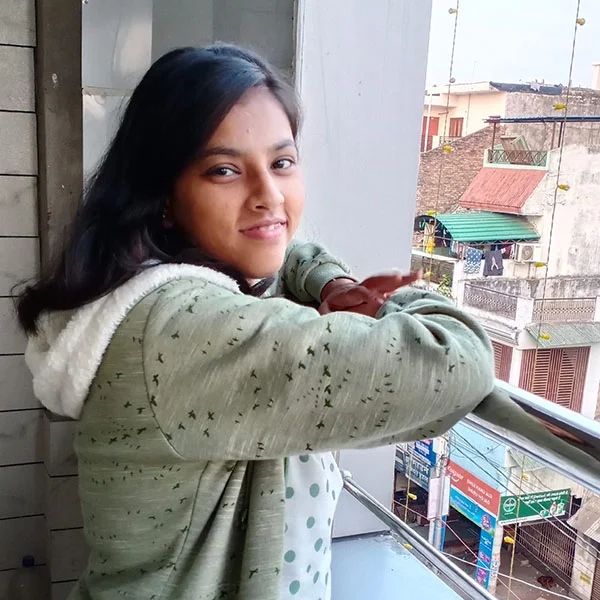
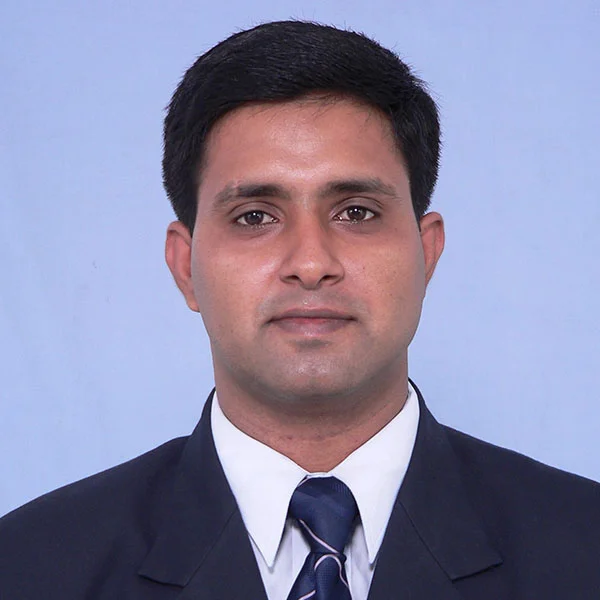
Meet our Teachers
Expert educators who connect, guide, and prepare students with special personalized care ❤️📚✨







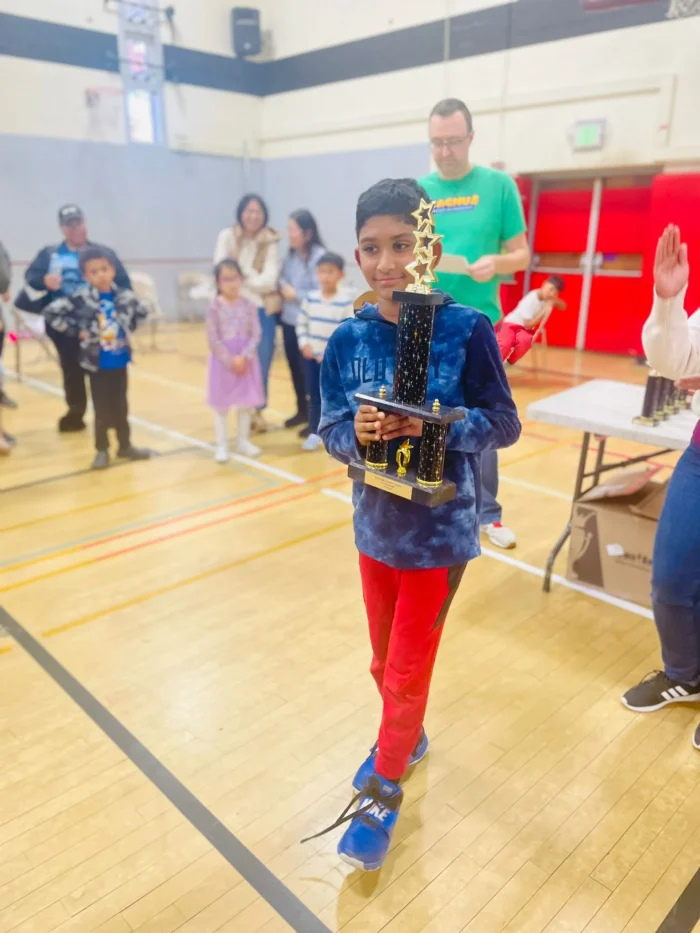
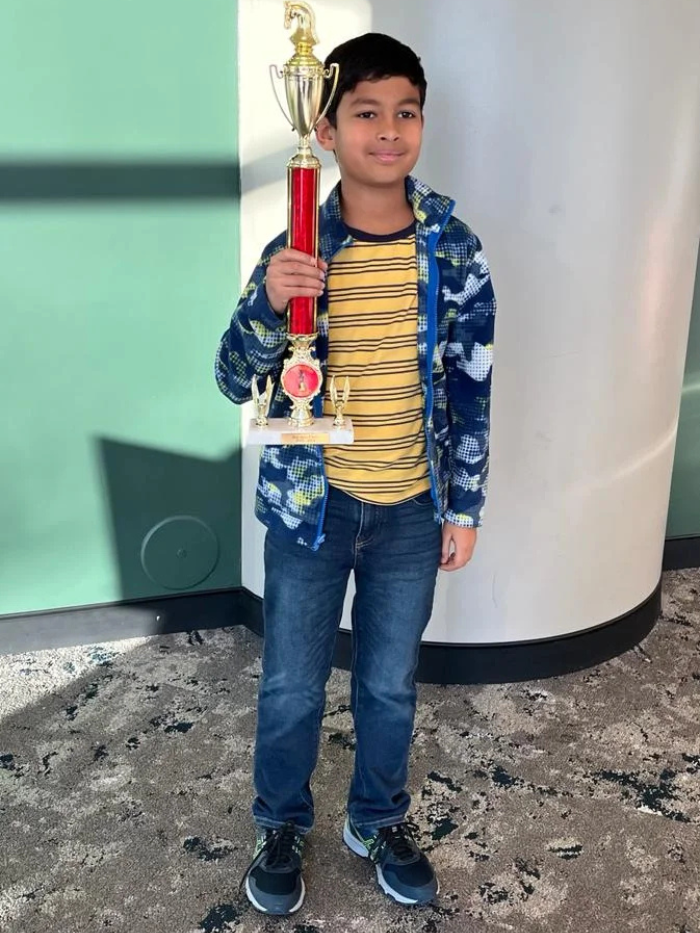
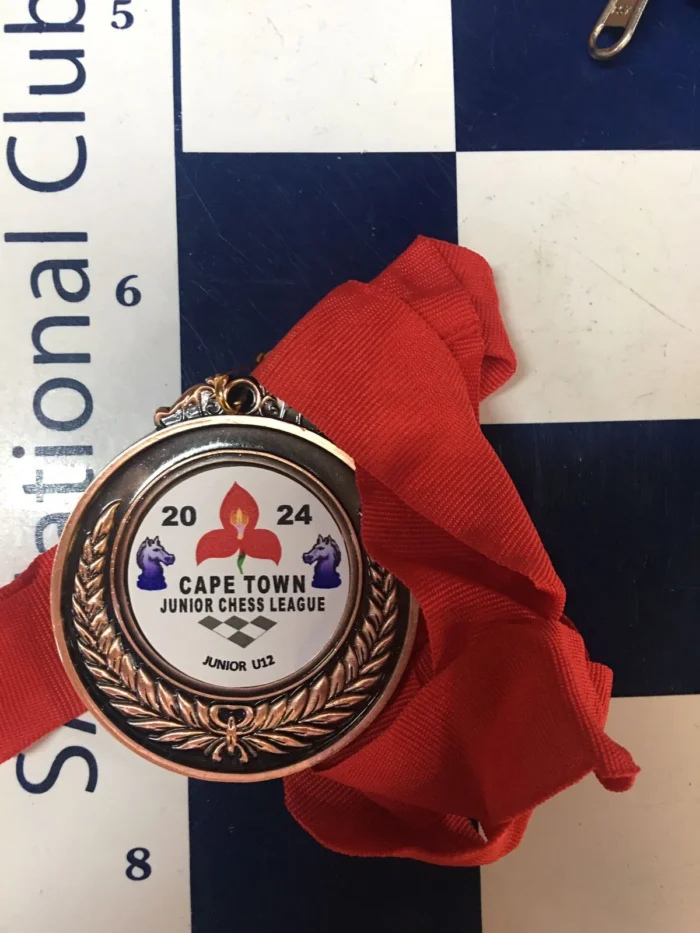
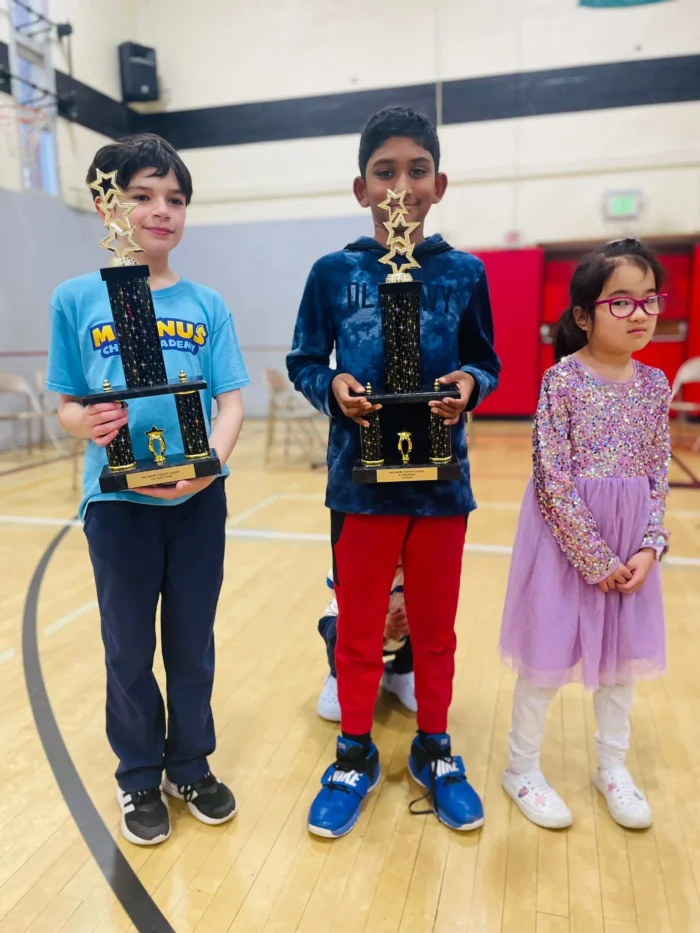
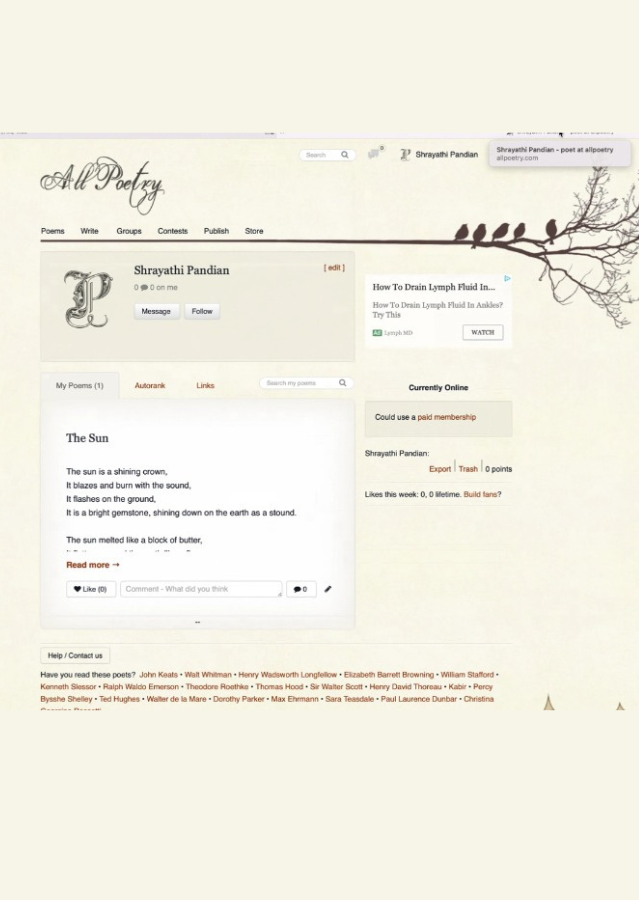
Student Achievements
Making an Impact: 🏆 Student Achievements That Shine | 🌱 Your Growth. Our Mission.
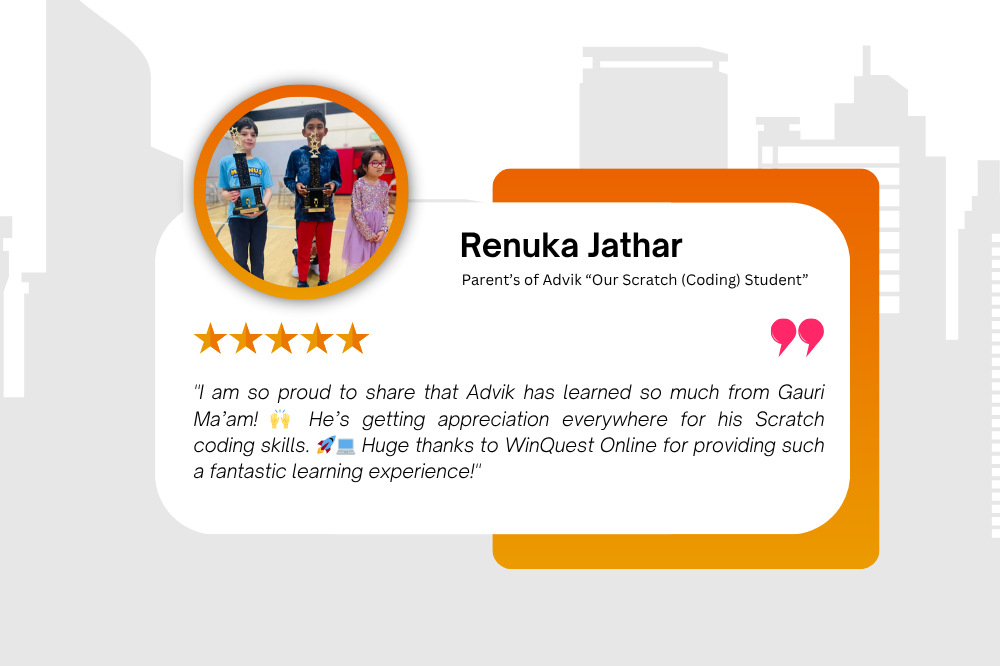
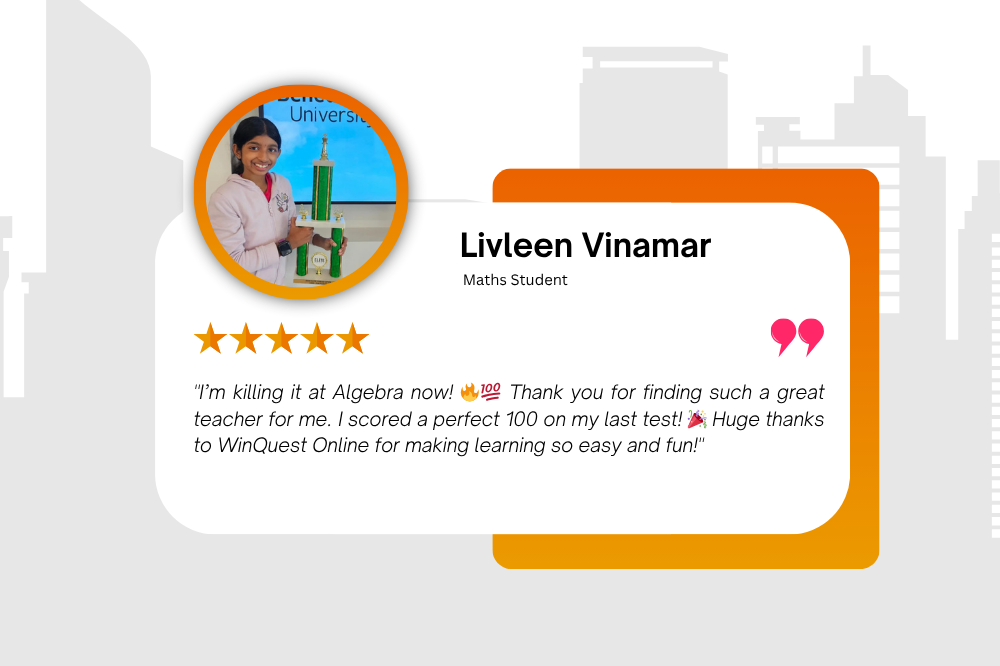
What Our Parents Say About Us
👪 Real Results. Real Parent Voices. 🏆 Futures Built with Care
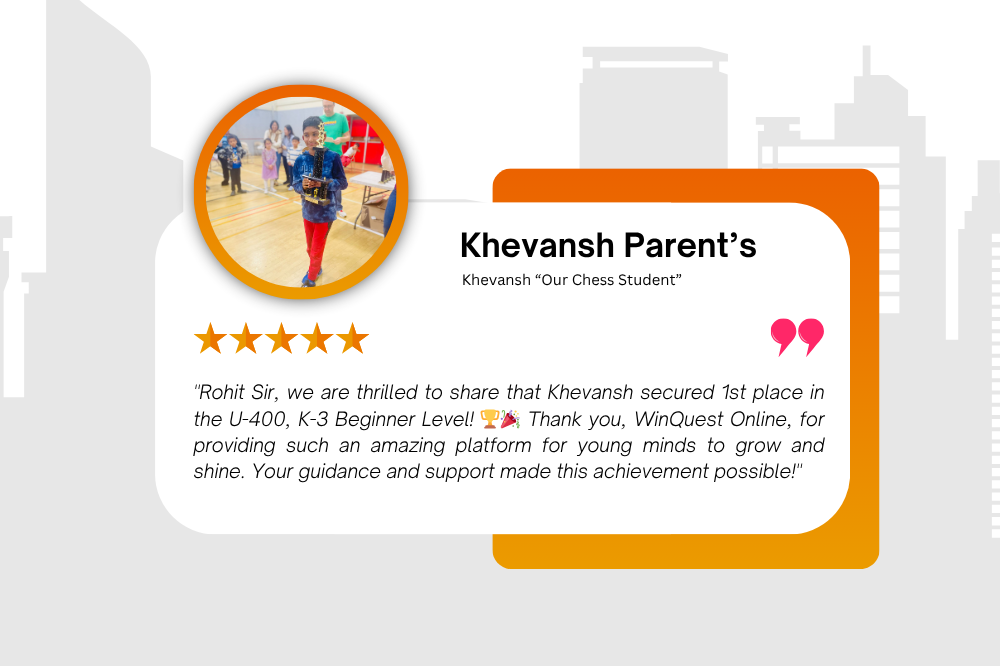
Parent Testimonials
Success Stories That Speak 🌟🎓 Wins That Inspire Pride 🏆
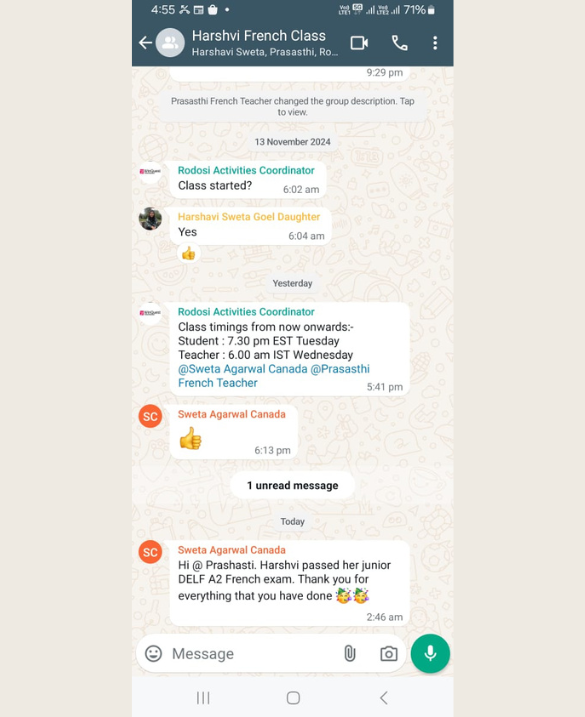
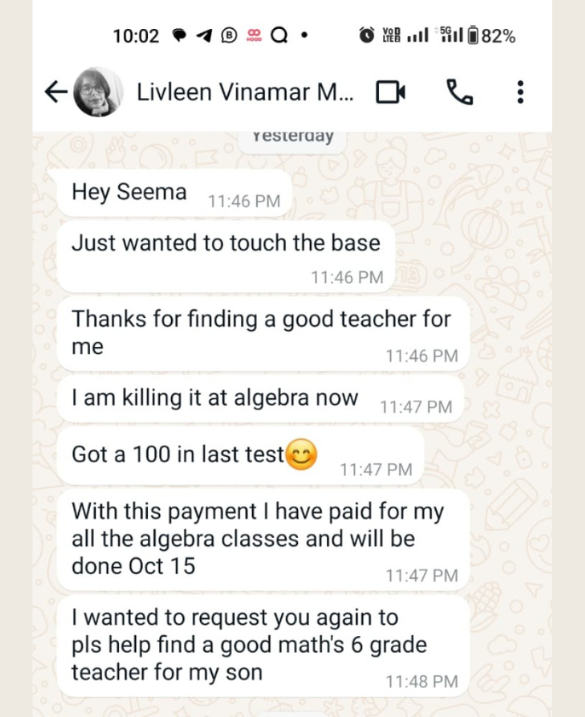
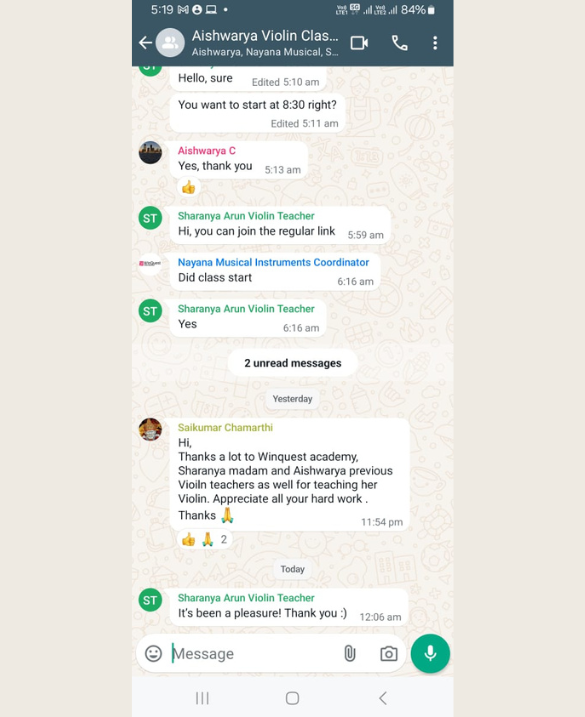
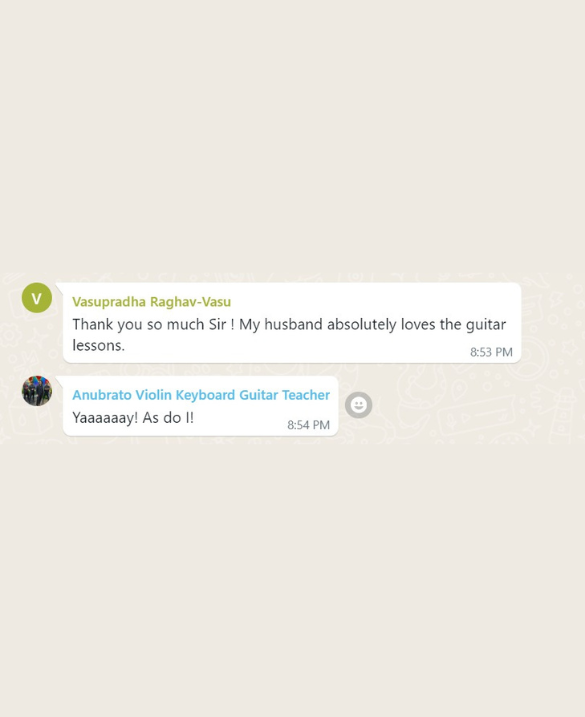
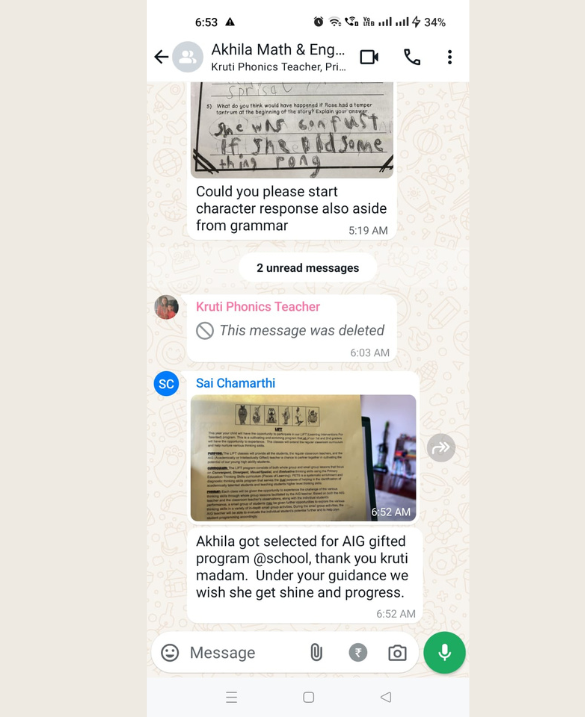
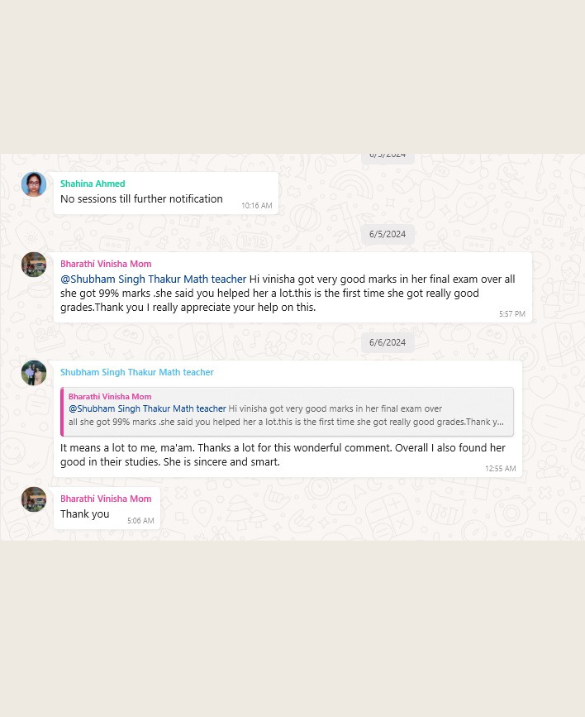
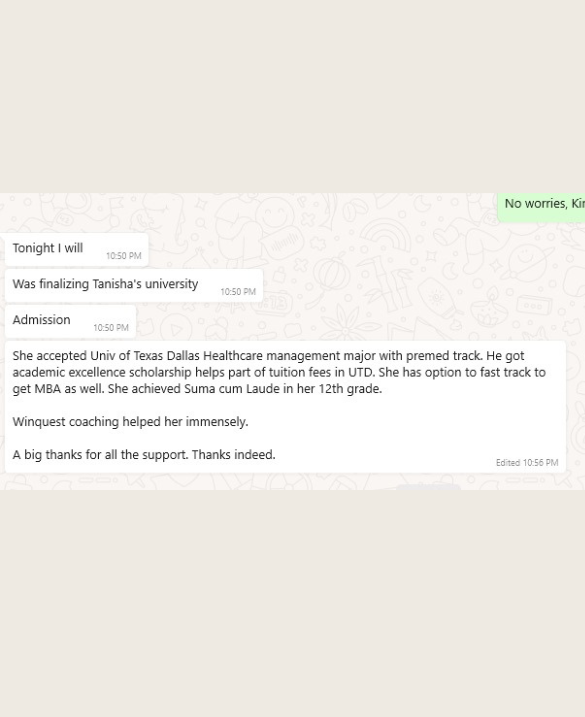
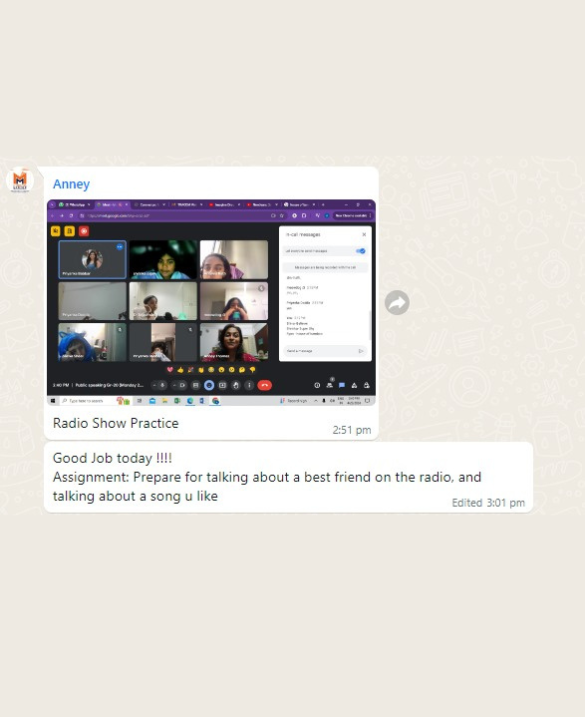
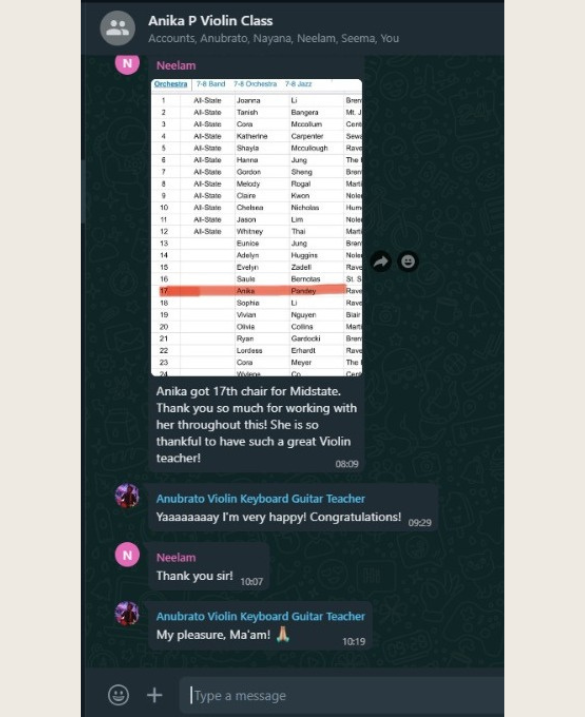
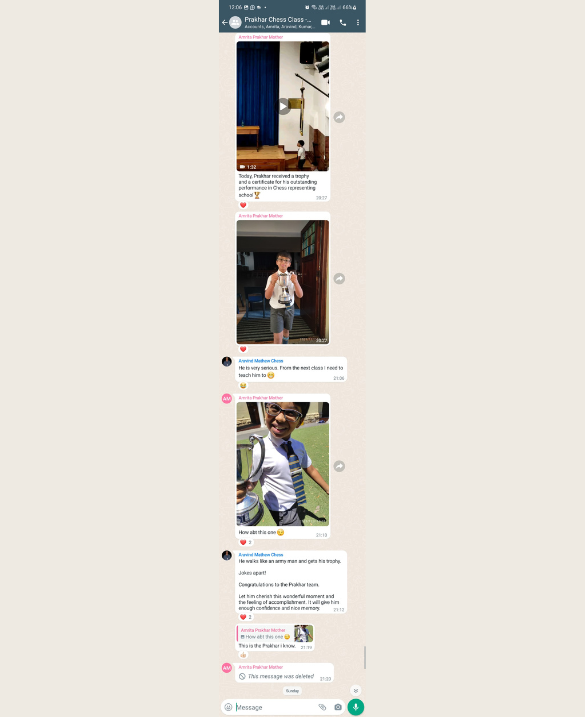
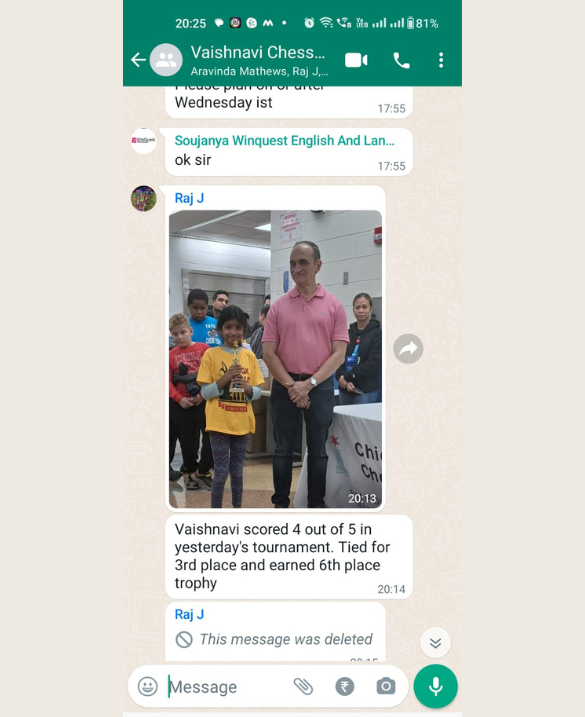
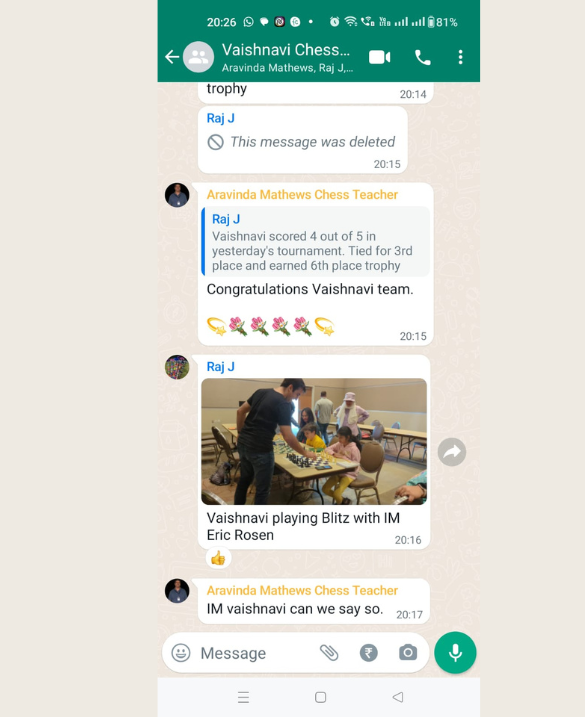
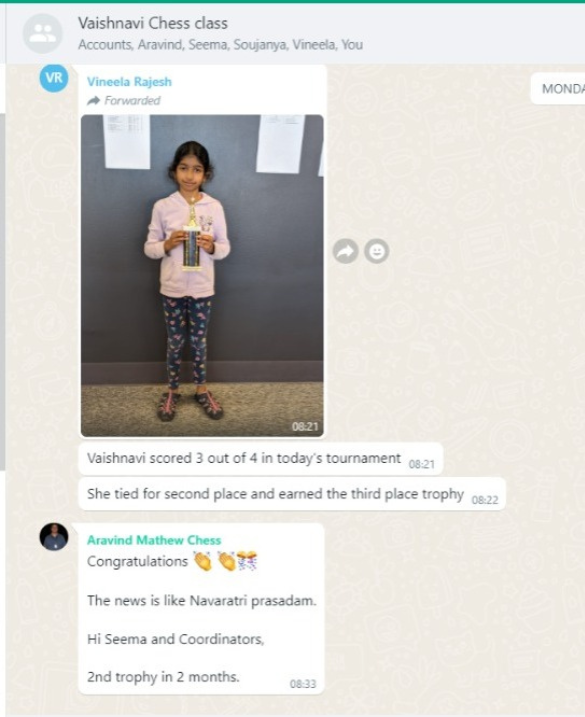
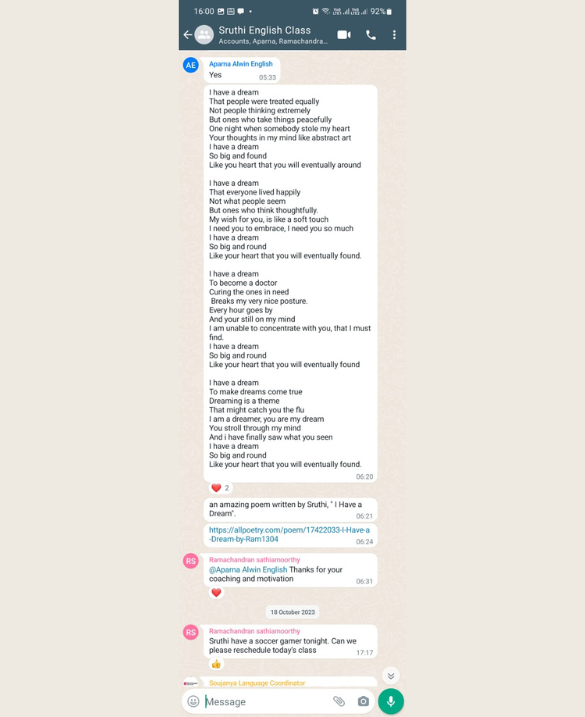
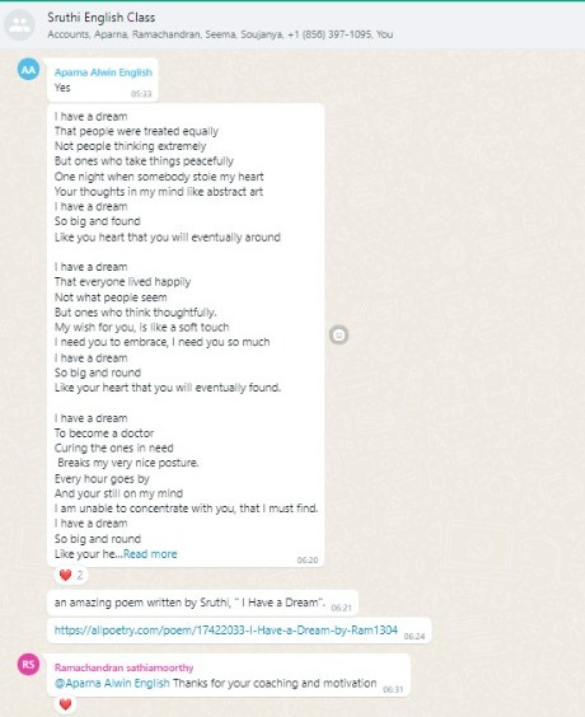
WhatsApp Testimonials
Real Voices from Our WhatsApp Community 💚📚
Latest News and Resources
📰 Learning Updates | 📘 Tips | 🎓 Resources | 💻 Online Courses